



- See where the window appears in the camera frame.
- Check what is visible behind your chair during a call.
- Look for glare on the screen you actually use for work.
- Walk past the desk and check whether a cable crosses the route.
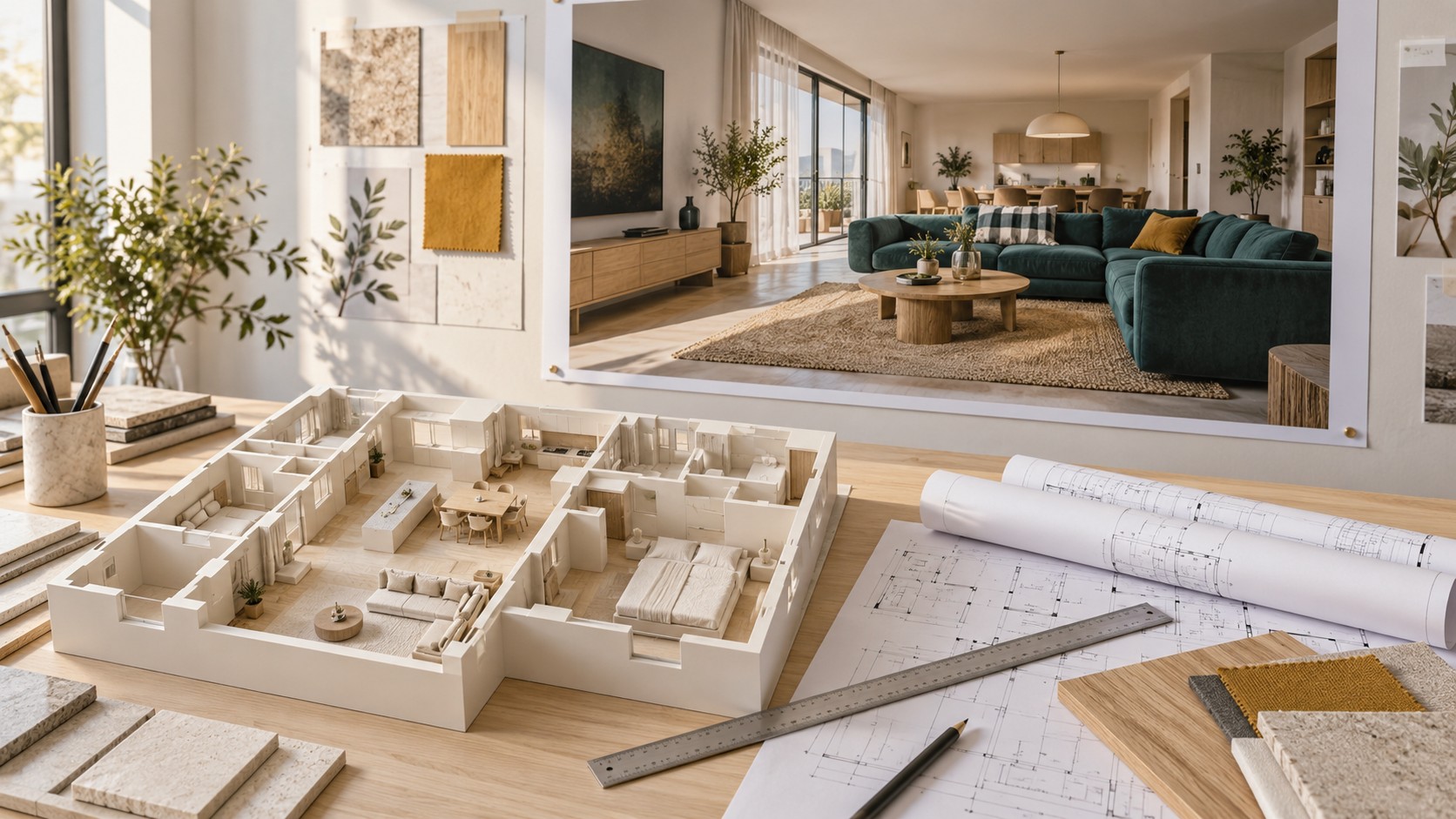
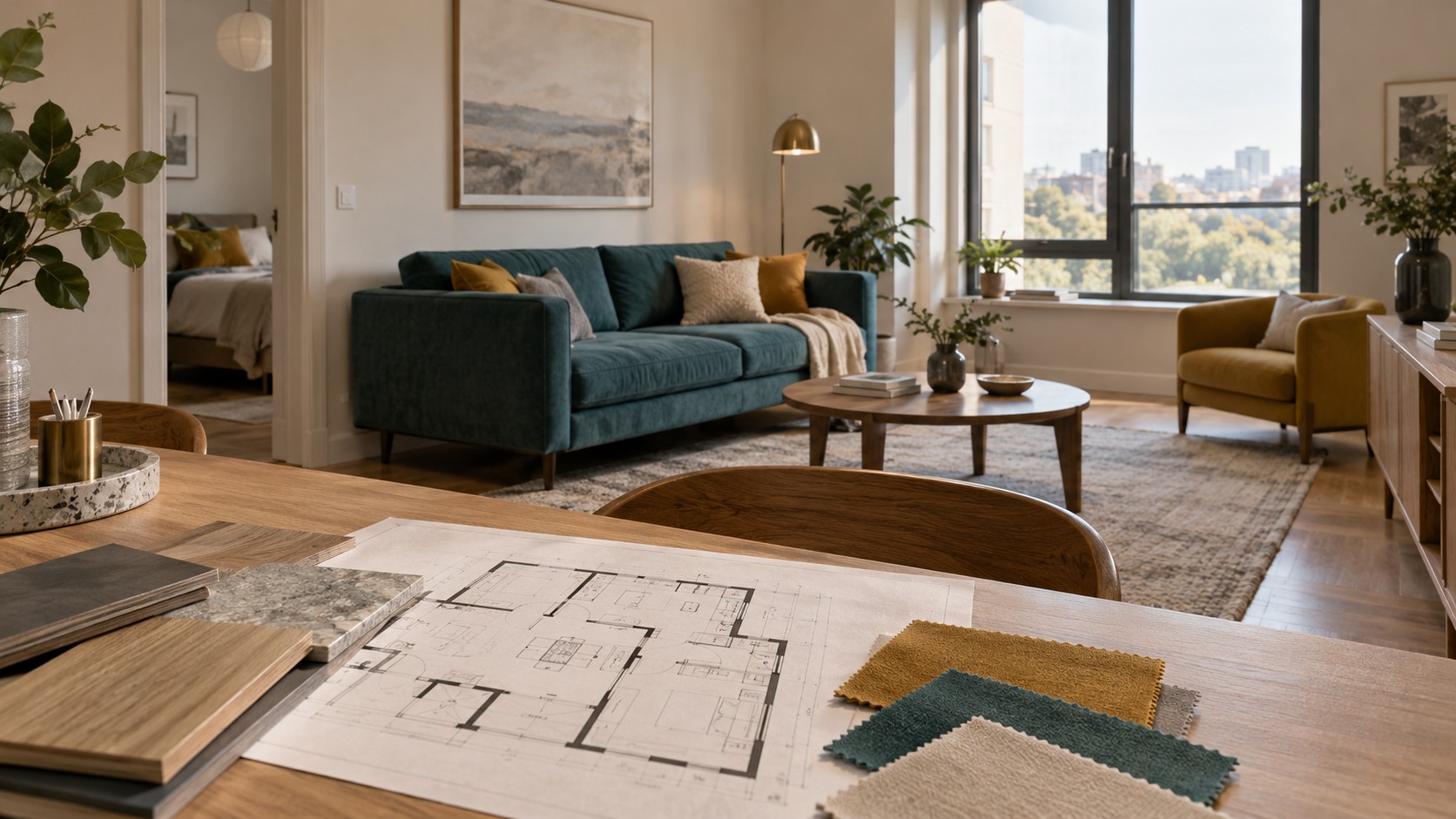
Direct answer: Evaluate a living-room work corner against four criteria: the camera frame, the backdrop, surface glare and cable visibility, then run one realistic workday scenario. Mshenoveli's interior generator can help you discuss a visual concept from a floor plan or manually entered apartment parameters and a style, while actual comfort still needs to be checked in the room.
Editorial note: This article was prepared with the assistance of artificial intelligence. The workday scenario and checklist are editorial models, not a client case.
A workspace and a video-call backdrop
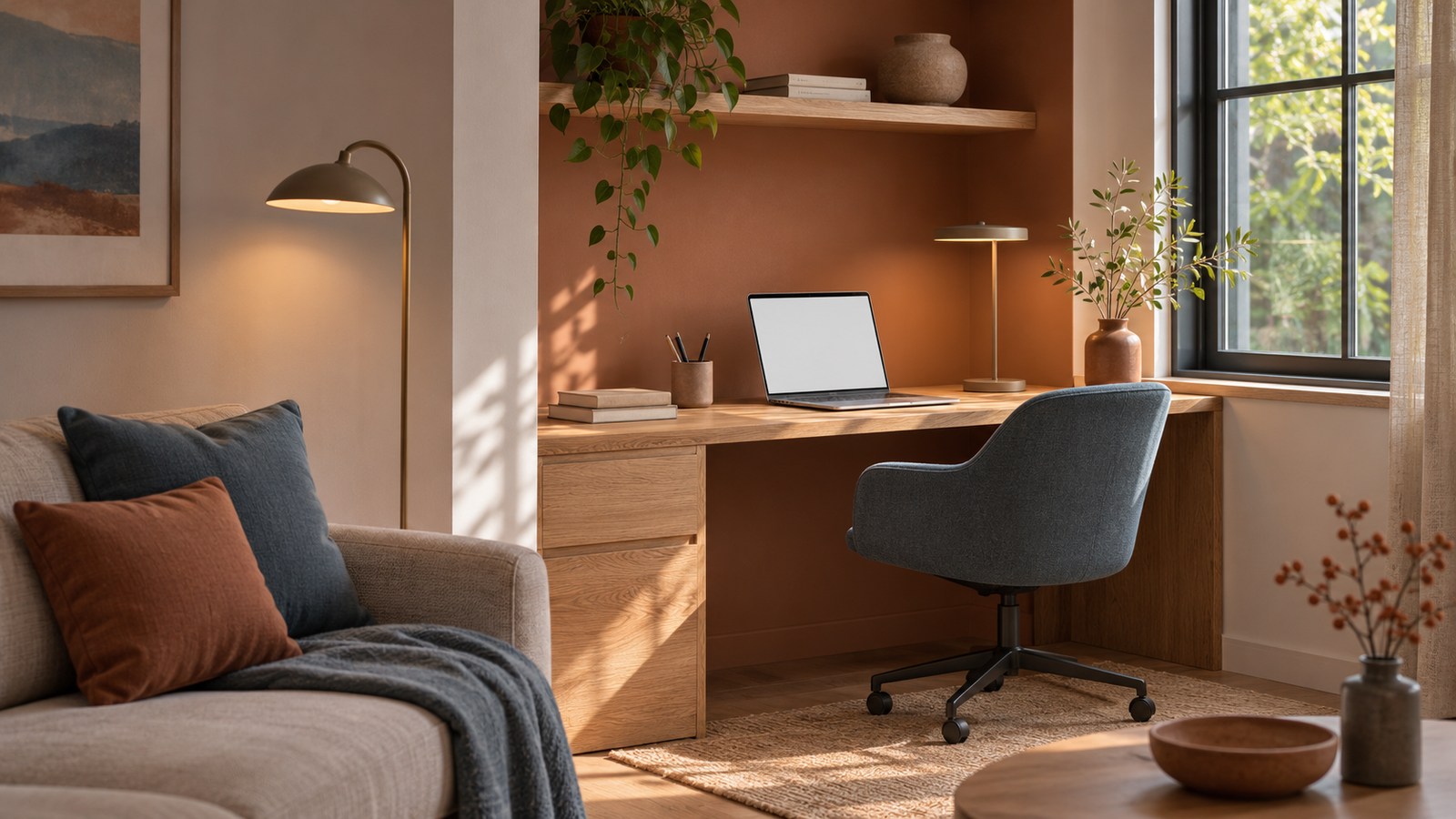
A living-room work corner is not only a desk and chair. It is also a video-call frame and part of a shared room. Start by asking what the camera will show and what you will see when you step away from the screen. A corner that looks calm in a wide room image may place a bright window, a busy shelf or a moving family member directly behind you.
Check the camera frame separately because room perspective and camera perspective are not the same. Mshenoveli's visual concept can help define a broad direction, but the camera height, monitor position and the light at the time you work remain room-level checks.
Framing the camera view
A useful camera position usually includes your face, a quiet backdrop and enough open space that the frame is not interrupted by an opening door or a passing person. Check whether a tall shelf, a television surface, a glass cabinet or an object that you would have to hide before every call lands in the view.
Logitech's official guide connects exposure and additional lighting to the quality of a webcam image. That does not mean one camera behaves the same way in every room. A more useful criterion is repeatability: can you leave the camera in the same place without rebuilding the frame before every call?
In an illustrative scenario, a desk sits beside a living-room window and the camera points toward the side light. The desk may fit the furniture beautifully, yet the face may become dark when a call starts. This is not a real client case. Keep the camera view as its own note instead of assuming that a wide interior render answers it automatically.
The backdrop during a video call
The backdrop is part of the work-corner design even when you are not building a studio. It should show the character of the room without requiring a daily reset. Check what appears behind your shoulders, which object attracts attention and whether the route remains open when you stand up from the chair.
Toronto Metropolitan University's official material explains that backlighting can make a face look dark and can change how a camera balances the frame. The practical conclusion is simple: inspect the backdrop and the direction of light together. Do not judge the backdrop color separately from the window and lamp conditions.
A visual concept can help you choose between a quiet wall, a tidy bookshelf or a more open view of the living room. It cannot predict the final camera crop, the real device or every time of day. Those belong in the next check.
Glare on the screen and nearby surfaces
Glare can appear on a monitor, glass cabinet, glossy desk or framed surface. The problem is more than visual discomfort. It distracts you, changes the camera frame and can make you move the desk or objects before you begin.
Inspect the corner with the curtain open, with the curtain closed and during evening use. Note where the bright patch appears and which object would have to move to reduce it. Zoom's official support material describes lighting settings that can improve video brightness, but software correction cannot remove every room reflection. Test the surface behavior before treating the design as settled.
Cables and clear walkways
This article treats cables only as a visibility, circulation and work-surface question. It does not give electrical-load, wiring-installation or safety advice. Those questions need an appropriate specialist and documented assessment.
For a visual review, ask three questions: which device does the cable start from, where does it cross the camera frame and where does it cross the path to the chair? A cable that is absent from a render is not necessarily hidden in the real room. Mark the route you want to see and the route that interrupts daily movement.
Keeping the camera, screen and work items in one zone may simplify the image, but the desk can become crowded quickly. The useful decision is not a promise that the cable will disappear. It is a clear note about its route and about anything that still needs technical review.
Comparing a quick check with a workday test
A quick list shows what you might forget. A workday test shows how the corner behaves over repeated actions. Both are useful, but they answer different questions.
- Camera frame. Check your face, the background and stray objects. Record which angle keeps the frame clear.
- Glare. Look for bright patches under different lights. Note which surface or direction changes the view.
- Cables. Check where each cable is visible and whether it crosses the walkway. Record anything that needs professional advice.
- Workday routine. Try taking a call, standing up, returning to the desk and putting your work items away. Note discomfort that keeps recurring.
Separate the camera frame, backdrop, glare, cable, circulation route and workday scenario into individual notes. That turns a reaction to a polished image into questions you can observe and discuss.
A practical workday test
The aim is not a perfect photograph. The aim is to see whether the corner supports repeated work actions. Use the same chair, camera or laptop and the objects that normally sit on the desk.
- Sit in the work position and record the camera frame: face, backdrop, window, glare and accidental objects.
- Stand up, walk past the corner and return the work items as you would during the day.
- Note what happens during a normal call when someone walks past or turns on a light.
- Repeat the check in another light state and mark which problem repeats and which appeared only once.
The setup works for a typical day when the camera frame, backdrop order, glare control and cable visibility are acceptable in the same use scenario. If a point works only for a polished image, it remains an open design question rather than a confirmed solution.
Mshenoveli's generator receives a floor plan or manually entered apartment parameters and a style, but it does not provide isolated controls for a wall, floor, desk or cable. Use the visual concept to choose a direction, then run the camera and circulation test in the actual space.
What can a visual concept not prove?
A visual concept cannot prove exact dimensions, final camera quality, color identity, complete glare removal, the real cable route or whether unwanted movement or objects will appear in the frame. Those limits describe the role of a concept rather than a defect in the tool.
A decision is ready for the next conversation when you can name the preferred direction, the repeating problem and the check that still needs an answer. Check exact dimensions and cable routing in the room.
Related reading
Connect the work-corner review to the wider interior decision:
- Functional design in a small space helps separate circulation from appearance.
- The furniture-material guide supports a surface decision.
Open Mshenoveli's interior generator after noting the backdrop, camera view and open questions you want the concept to help you discuss.